
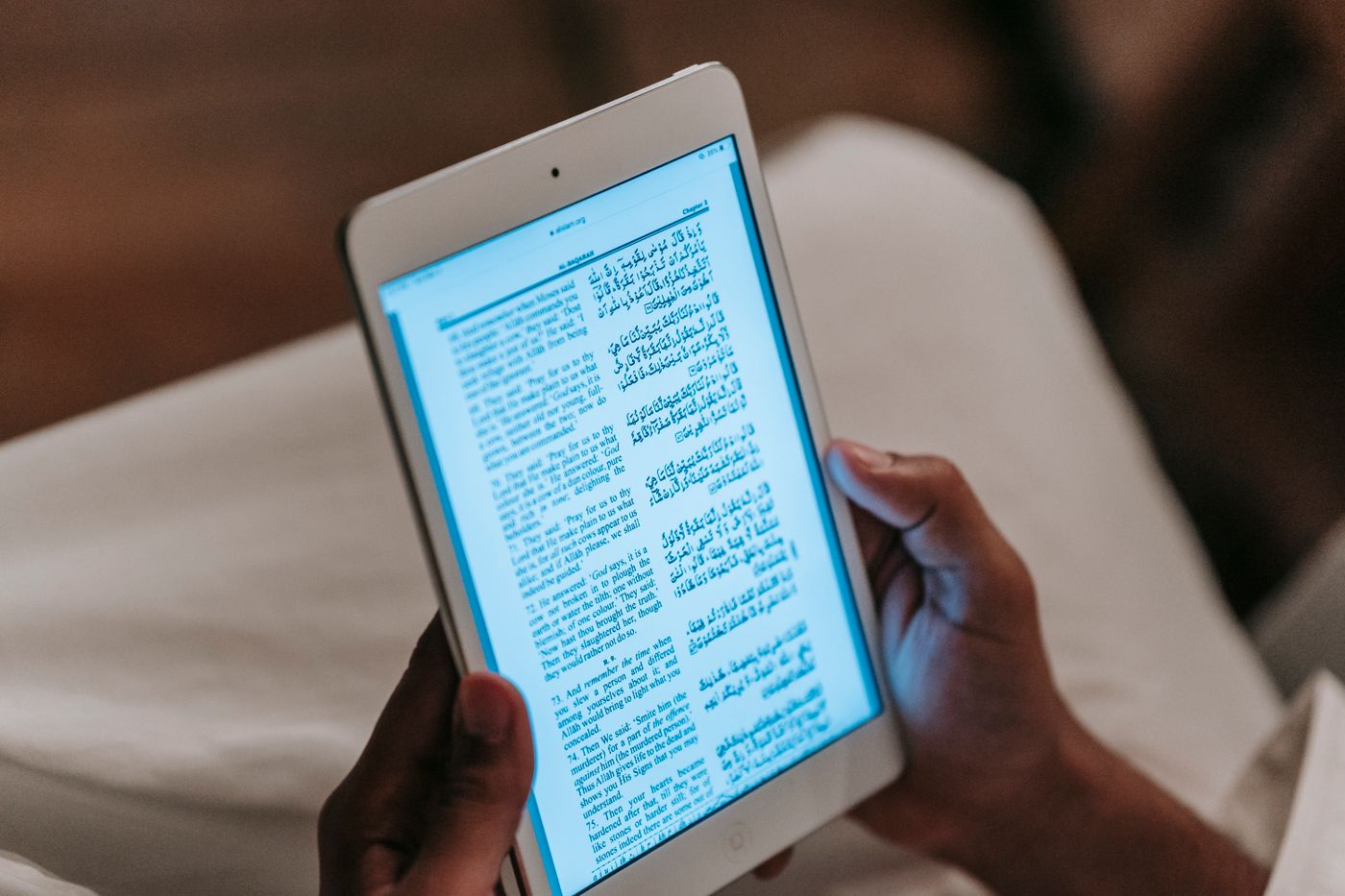
If you already use LingQ, switching tools needs a practical reason. Perhaps you want a different way to read your own books, understand difficult sentences, or keep vocabulary from the passages you finish.
LingoReader is worth trying if you want to read supported ebooks and saved articles in a browser, with contextual assistance and flashcard review. LingQ deserves a closer look if your routine depends on its wider reading, listening, and imported-media workflow.
LingoReader publishes this article. We explain our current beta limits alongside the reasons you might prefer LingQ. This is a documented feature comparison, not a claim that one product will improve your learning faster. Product and plan details checked on 18 October 2026.
Start with the reason you might switch
Write down the part of your current routine you want to improve before opening another account.
| Your main need | What to investigate |
|---|---|
| Read a personal ebook with help when you get stuck | Try the same passage and assistance task in both tools |
| Study podcasts, videos, and their text | Examine LingQ's media workflow before replacing it |
| Revisit vocabulary from reading | Compare the saved context and review questions |
| Avoid paying immediately | Compare current allowances and availability, including LingoReader's temporary beta status |
LingQ's public offering combines books with podcasts, video, and other imported content. Those capabilities may be central to your routine even if you originally joined to read. LingQ's content overview
LingoReader's public guide focuses on supported books, saved articles, contextual help, and vocabulary review. These features overlap with parts of LingQ; their presence alone does not establish a reason to switch. LingoReader's included features
A useful comparison begins with a specific difficulty: “I lose the sentence when checking an expression” is easier to evaluate than “I want a better app.” If Readlang is also on your shortlist, our LingQ vs Readlang comparison examines that choice separately.
Bring one book into LingoReader
LingoReader accepts DRM-free EPUB and MOBI files. Sign in, open your Library, and use Add to choose a supported file. Vocabulary checks are optional, so you can begin reading after import. LingoReader does not remove DRM. Book import instructions
Choose one book you are currently reading. Open a familiar chapter and check whether the text is usable on your usual screen before adding more.
For article reading, LingoReader also accepts public links and pasted text. Imported articles become private text snapshots; pages requiring login or JavaScript may need permitted text to be pasted instead. Article import guidance
LingQ supports ebook imports too. The useful question is therefore how each tool handles your edition and reading tasks, rather than whether only one accepts books. LingQ ebook importing
Follow a passage from reading to review
For an illustrative comparison, imagine this original sentence appears in your book:
Marta volvió a guardar la carta sin abrirla.Marta puts the letter away again without opening it.
You might understand the nouns while missing the repeated action in volvió a guardar. Your immediate task is to understand what happens to the letter.
In LingoReader, word and sentence assistance can help resolve that uncertainty. Afterward, decide whether the expression is useful enough to save for review. The product's reading-to-review walkthrough shows how vocabulary can retain its original context. LingoReader walkthrough
Keep these as separate decisions: understanding a sentence does not require turning every unfamiliar part into a flashcard.
When you compare the tools, inspect the resulting review item. Does it preserve the relevant sentence? Can you tell which meaning you intended to learn? LingQ also documents saved-vocabulary review using spaced repetition, so compare the actual questions and context rather than assuming review is unique to LingoReader. LingQ vocabulary review
Understand the beta allowance
LingoReader is currently free during beta while registration places remain available. Public-release pricing has not been announced.
Verified accounts receive 100 AI credits per calendar week, resetting on Monday at 00:00 UTC without rollover. Uncached assistance can consume credits; some preparation actions can use several. Ordinary reading does not consume them, and running out does not stop you reading available content or reviewing saved cards. Beta pricing and credit details
Library limits also matter: the current allowance is 20 books, with a 50 MB maximum per uploaded file and a separate account storage limit. Library and storage allowances
LingQ's free account limits saved vocabulary and imported lessons; Premium removes those caps. That measures different activity from LingoReader's AI allowance. One hundred credits is not equivalent to one hundred saved words or one hundred reading sessions. LingQ membership details
Compare the assistance you actually use during a normal chapter. Free beta access should not be treated as a permanent price advantage.
Check offline reading and vocabulary export
For offline use, download your LingoReader content while connected and confirm that it opens on the same device. New assistance still requires internet access.
LingoReader also offers manual flashcard export to Anki TSV or spreadsheet CSV. This is a file transfer, not automatic Anki synchronization, and it does not transfer review schedules. Offline and export instructions
Before switching, list what you need to retain: original files, reading positions, vocabulary, and review history. Do not assume that moving a book also moves its learning records. Test a small export separately if vocabulary portability matters to you.
When staying with LingQ makes sense
Stay with LingQ if it already helps you read consistently, particularly when its audio and imported-media features are important to your routine. A different interface is not automatically worth rebuilding a useful habit.
Try LingoReader if its book-and-article workflow addresses a specific problem you have identified and its current limits fit your needs.
Keep your existing library while you test. Read one chapter, save a few useful items, and return for another session. You will then have a concrete basis for deciding whether to move more of your reading.